
Get the ke777 APK — Cricket Betting and Casino in One App
The ke777 app puts BPL and IPL betting, live casino tables, and over 1,600 slot and crash games on your Android phone. Deposits via bKash land in about 4 minutes. The APK file is free and takes under a minute to install.
Android 6.0 or above · Free to download · 45 MB
- File Size
- 45 MB
- Android
- 6.0+
- Deposit
- ~4 min
- Price
- Free
APK — File Details and Where to Get It
| Version | 2.7.15 |
| File Size | 45 MB |
| Minimum Android | 6.0 (Marshmallow) |
| Last Updated | 15 November 2026 |
| Price | Free |
| Language | English / Bangla |
Using an iPhone or iPad?
There is no App Store listing right now. Add ke777 to your iOS home screen as a web app in four steps:
- 1 Open ke777.live in Safari (not Chrome or Firefox).
- 2 Tap the Share button at the bottom of the browser bar.
- 3 Scroll down and tap Add to Home Screen.
- 4 Tap Add. The ke777 icon appears on your home screen and opens full-screen.
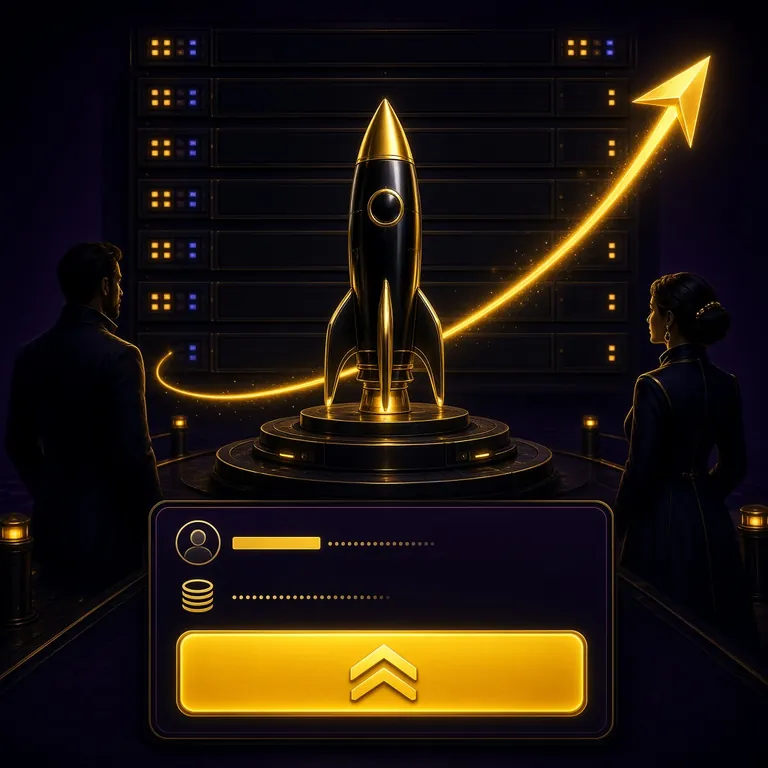
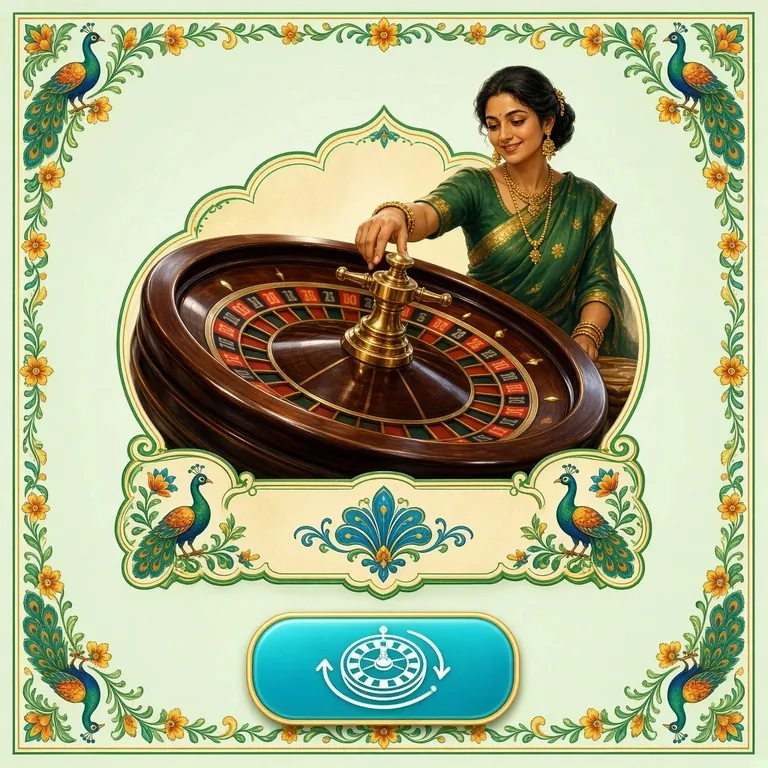
Everything in one place
The ke777 app brings cricket betting, live casino, slots, and fast BDT payments into a single, lightweight download. Here are the two screens you will use most.
-
Live Cricket Odds
BPL, IPL, T20 World Cup and ODI series updated ball by ball.
-
Casino & Slots
Browse games from JDB, Pragmatic Play, PG Soft, FA Chai and Spribe.
How to Install the APK on Your Android Phone
Android blocks apps from outside the Play Store by default. You need to allow "unknown sources" once. The whole process takes about two minutes on any phone running Android 6.0 or above.
-
1
Allow installation from unknown sources
Go to Settings → Security (on Android 8 and above: Settings → Apps → Special App Access → Install Unknown Apps). Find your browser or file manager and turn the toggle on. You only need to do this once.
-
2
Download ke777.apk to your phone
Tap the "Download APK" button on this page. Your browser will save ke777.apk (45 MB) to your Downloads folder. Wait for the download bar to reach 100% before moving to the next step.
-
3
Open the file and confirm installation
Open your file manager or tap the notification that says "Download complete." Select ke777.apk, then tap Install when Android shows the permission screen. The installation takes 10 to 20 seconds.
-
4
Open the app and log in or register
Tap Open once installation finishes, or find the ke777 icon on your home screen. Existing members can log in with their phone number and password. New players can create an account in about two minutes.
-
5
Deposit via bKash or Nagad and start playing
Go to Wallet → Deposit inside the app. The minimum deposit is ৳250. Choose bKash, Nagad, Rocket, or Upay. Funds arrive in about 4 minutes. First-time depositors receive a welcome bonus on their opening deposit.
What You Can Do Inside the App
The ke777 app is designed around the way Bangladesh players actually bet — on mobile, with bKash, in between matches. These are the six features that most players use daily.
One-Tap Login
Your phone number and password are remembered between sessions. Face unlock and fingerprint are supported on compatible devices, so you are inside the app in under three seconds.
Fast Deposits and Withdrawals
Deposit with bKash, Nagad, Rocket, Upay, or Bank Transfer. The minimum deposit is ৳250 and funds usually arrive in about 4 minutes. Withdrawals from ৳1,000 process in about 9 minutes.
Live Casino Tables
Connect to live Baccarat, Roulette, and Teen Patti dealers in real time. The video stream adjusts automatically to your connection speed, so it works on 4G and stable 3G alike.
Cricket and Sports Betting
Bet on BPL, IPL, T20 internationals, Dhaka Premier League, and global football. Live match odds update ball by ball. You can place, cash out, and track bets all within the app.
Push Notifications
Opt in to match reminders, bonus alerts, and withdrawal confirmations. You can manage exactly which alerts you receive in Settings → Notifications inside the app.
In-App Customer Support
Tap the chat bubble in the bottom corner to reach the 24/7 live chat team. No need to open a browser. Response times are usually under two minutes during peak hours.
Permissions the App Requests — and Why
When you install the ke777 APK, Android will ask for certain permissions. Here is exactly what each one does and how to revoke it if you change your mind later.
Camera
Used only during document upload for account checks before your first withdrawal. The app never accesses your camera at any other time. Revoke in Settings → Apps → ke777 → Permissions.
Internet Access
Required to load live odds, stream live casino video, and process payments. This is a standard permission for any online platform. The app does not send data in the background when you are not using it.
Notifications
Allows match reminders and bonus alerts. This permission is entirely optional. You can deny it during setup or turn it off later in Settings → Apps → ke777 → Notifications.
Storage (Android 9 and below)
Needed to save the APK file and store temporary cache data on older devices. Android 10 and above handle storage automatically without this permission.
Download Only from ke777.live
- The only official APK source is the download link on ke777.live/ke777-apk/. Files from third-party sites may be modified.
- Check that the file name is exactly ke777.apk and the size is 45 MB before tapping Install.
- The app will never ask for your bKash PIN directly. All mobile banking happens inside the official bKash or Nagad app.
- If you receive an APK link via SMS or social media claiming to be ke777, do not install it. Contact live chat to verify.
Running ke777 on a Budget Phone or Slow Connection
The APK is built to run on entry-level Android phones with 2 GB of RAM and older chipsets. If you are on a 2G or 3G SIM, these settings will help you get a stable experience.
Low-Memory Device Checklist
- Close background apps before opening ke777. Free up at least 300 MB of RAM for smooth slot loading.
- Free up storage: keep at least 200 MB of internal storage available. The app caches game assets locally to reduce reload times.
- Disable live video in the Live Casino section by tapping the video icon if the stream stutters on your device.
- Use slots and crash games instead of live video tables on devices with less than 2 GB RAM — they load faster and use less memory.
Slow Data and Battery Tips
- Turn on Data Saver in Settings → Network inside the app. This reduces image quality slightly and cuts data use by roughly half.
- Use Wi-Fi for APK downloads and updates. The 45 MB file over a slow 3G connection may take several minutes.
- Disable push notifications for non-essential alerts when on a limited data plan. Only keep deposit confirmations and match start alerts.
- Lower screen brightness and plug in when playing live casino for more than 30 minutes. Live video drains battery faster than slots.
APK Won't Install? Fix These Five Problems
Most installation errors have a simple cause. Find your error message in the table below and follow the fix.
| Error / Symptom | Most Likely Cause | How to Fix It |
|---|---|---|
| Installation blocked | Unknown sources permission is off | Go to Settings → Security (or Apps → Special App Access on Android 8+) and allow installations from your browser or file manager. See Step 1 above. |
| "Parse error" or "There was a problem parsing the package" | The APK file is incomplete or corrupted — usually a failed download | Delete the existing ke777.apk from your Downloads folder, then download it again from this page. Do not tap Install until the download is 100% complete. |
| Not enough storage space | Internal storage is below the required minimum | Free at least 100 MB by deleting unused apps or photos. Then try installing again. The APK itself is 45 MB and the app needs some extra space for data files. |
| App installs but won't open | Android version is below 6.0, or RAM is very low | Check your Android version in Settings → About Phone. If it is below 6.0, the ke777 app is not supported. Try using ke777.live in your mobile browser instead. |
| App crashes after the splash screen | Old version already installed, conflicting with new file | Uninstall any previous version of ke777 first (Settings → Apps → ke777 → Uninstall), then install the freshly downloaded APK. Your account data is stored on the server, not on the phone. |
Questions Players Ask About the ke777 APK
Is the ke777 APK safe to download and install?
Yes, as long as you download it from this page or directly from ke777.live. The file is scanned before each release and does not contain any malware or hidden code. The permissions it requests are limited to camera (for document upload), internet access, notifications, and storage on older Android versions. Never install an APK from a Telegram group or unofficial website, even if it claims to be ke777.
Why is the ke777 app not on Google Play?
Google Play does not allow real-money gambling apps in Bangladesh. This is a policy limitation from Google, not a reflection of the platform. The ke777 APK is the official alternative and delivers the same full experience. Thousands of players in Bangladesh install apps this way every day, and the process is straightforward once you allow unknown sources in your settings.
How do I update the ke777 app when a new version is released?
When an update is available, the app shows a banner on the home screen prompting you to download the latest version. Tap it to go directly to the download page, or come back to this page and download the newest APK file. Install it over the existing version without uninstalling first. Your account, balance, and history stay intact because they are stored on the server, not on your device.
Can I use the same account on both the app and the website?
Yes. Your ke777 account works on the mobile app, the mobile browser, and the desktop site simultaneously. Balance, bonuses, and bet history sync in real time across all three. If you are already logged in on the website, just use the same phone number and password on the app. There is no need to create a separate account.
How much mobile data does the ke777 app use per hour?
Slots and crash games use roughly 15 to 30 MB per hour. Sports betting uses about 10 MB per hour because it only loads text and odds data. Live casino streaming uses the most — between 150 and 400 MB per hour depending on video quality. Turn on Data Saver mode in the app settings to cut live casino data use by approximately half. These figures are estimates and vary by game and connection speed.
What happens to my bonus if I switch from the website to the app?
Nothing changes. Bonuses, wagering progress, and free-spin credits are tied to your account, not to the device or platform you use. If you claimed your welcome bonus on the website and switch to the app, your wagering requirement balance shows the same number. You can check your bonus status at any time in Wallet → Bonuses inside the app. For full bonus terms, visit the ke777 Bonus page.
Quick Links
- Log in to your account
- Create a new account
- Browse the casino lobby
- Deposit guide (bKash & Nagad)
- Bonus & VIP rewards
v2.7.15 · 45 MB · Android 6.0+
Ready to install ke777 and start betting?
Download the APK now, install in two minutes, and deposit via bKash or Nagad. First-time depositors receive a welcome bonus on their opening deposit.
18+ · Play Responsibly · Bangladesh players only